The Overlap Is Not a Coincidence
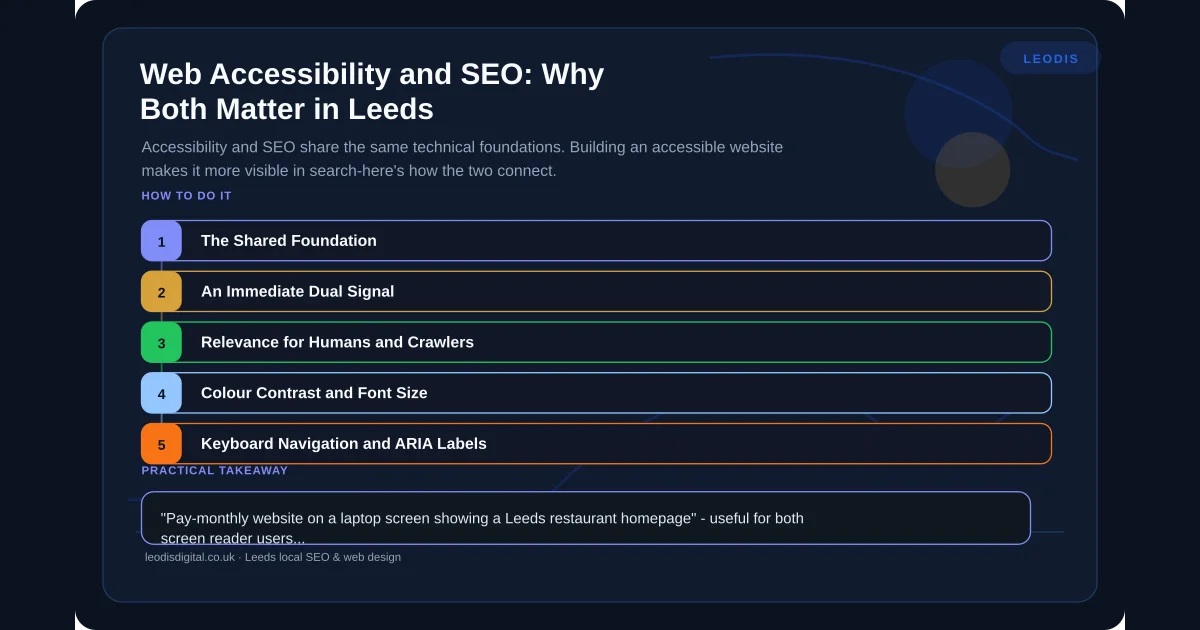
Web accessibility — designing sites that work for users with disabilities, including those using screen readers, keyboard navigation, high-contrast displays, or voice control — and SEO share a common technical foundation. Both are about making content clear, structured, and usable.
Google's crawler behaves in many ways like a user with specific accessibility requirements. It cannot interpret images without alt text. It relies on heading structure to understand content hierarchy. It needs descriptive link text to understand where a link leads. It cannot operate a form that is only usable with a mouse. The decisions that make a site accessible make it more indexable, and vice versa.
For local businesses in the UK, building with accessibility in mind is not a compliance exercise. It is a quality standard that benefits every user, every search engine, and every commercial outcome — and it is a standard that a professionally built website should meet as a matter of course. The trustworthiness dimension of E-E-A-T for local businesses is directly supported by an accessible, professionally built site.
Semantic HTML: The Shared Foundation
Semantic HTML is the practice of using HTML elements for their intended structural purpose. Headings for headings. Paragraphs for body text. Lists for lists. Buttons for buttons. Navigation elements for navigation.
The alternative — div elements styled to look like headings, span elements styled to look like buttons — produces sites that look identical visually but are meaningless to screen readers and significantly harder for search engines to parse. A site built with semantic HTML has an implicit document structure that both assistive technology users and search engine crawlers can navigate. A site built with non-semantic elements has neither.
For a local business, this has a direct SEO consequence: correct heading hierarchy (H1 for the page title and primary keyword, H2 for main sections, H3 for subsections) is both an SEO requirement and an accessibility requirement. A site that misuses heading levels — jumping from H1 to H4, using headings for visual styling rather than structural meaning — is failing both standards simultaneously. The on-page SEO fundamentals guide covers how correct heading structure is used to signal relevance to Google.
Alt Text: An Immediate Dual Signal
Image alt text — the descriptive text attribute on image elements — is read aloud by screen readers for users who cannot see the image. It is also the primary way Google understands what an image depicts, which affects both image search visibility and the contextual relevance signals the image contributes to the page.
Alt text should describe the image content accurately and concisely:
- "Pay-monthly website on a laptop screen showing a Leeds restaurant homepage" — useful for both screen reader users and Google
- "IMG_4291.jpg" — useful for neither
- An empty alt attribute (alt="") — correct for purely decorative images that add no informational value
For local businesses, image alt text is a direct opportunity to include location-specific and service-specific keywords in a way that serves a genuine purpose. Describing an image of a completed project as "kitchen refurbishment completed for a Leeds homeowner, showing bespoke fitted units" is both accurate alt text and keyword-relevant page content.
Descriptive Link Text: Relevance for Humans and Crawlers
A screen reader user navigating a page by links hears each link's anchor text in sequence. A page full of "click here" and "read more" links is not navigable for that user — the links provide no information about where they lead or why the destination is relevant.
It is also poor SEO. Anchor text is a relevance signal for the destination page. "Click here" tells Google nothing. "Our guide to pay-monthly websites for UK businesses" tells Google exactly what the destination page covers and reinforces its relevance for the target topic.
Every internal link on a well-built website should use descriptive anchor text that makes the destination clear to both a screen reader user navigating sequentially and Google evaluating the relevance of the linked page. This is one of the simplest implementations that simultaneously improves accessibility and SEO.
Colour Contrast and Font Size
Colour contrast requirements under WCAG 2.1 AA specify a minimum ratio of 4.5:1 for normal body text against its background. This ensures text is readable for users with colour vision deficiencies or low vision. It also ensures text is readable in challenging lighting conditions — including a mobile user outdoors on a bright day, which is a common scenario for local searches.
Font sizes below 16px on mobile require pinch-zooming to read, which is both an accessibility failure and a poor mobile user experience signal. Pinch-zooming correlates with higher bounce rates — users who cannot comfortably read the content do not stay.
Both of these are not abstract compliance requirements. They are real usability failures that affect real users — including potential customers who will go to a competitor's site if yours is difficult to use. This connects directly to how website speed and usability affect conversion rates for UK businesses.
Keyboard Navigation and ARIA Labels
A fully keyboard-navigable website — one where every function can be completed using only the Tab key, arrow keys, and Enter, without a mouse — is required for users with motor impairments and is a recognised accessibility benchmark. Testing keyboard navigation is straightforward: open your site and try to complete every primary action without using a mouse.
For interactive elements that do not have inherent semantic meaning — icon buttons, hamburger menus, custom dropdowns — ARIA (Accessible Rich Internet Applications) labels provide the additional context that screen reader users need. A menu toggle button that contains only a hamburger icon and no text needs aria-label="Toggle navigation menu" to be usable by a screen reader. Without it, the button is announced as "button" with no description of its function.
The Legal Context
The Public Sector Bodies Accessibility Regulations already require public sector organisations in the UK to meet WCAG 2.1 AA standards. The Equality Act 2010 provides a legal basis for accessibility claims against private businesses providing goods and services — a website that is inaccessible to users with disabilities may constitute a failure to make reasonable adjustments.
Case law in this area in the UK private sector is still developing, but the direction is clear. Building to WCAG 2.1 AA is both the ethically correct and commercially prudent standard.
Built Right from the Start
The most practical point about web accessibility for local businesses is this: it is dramatically easier to build accessibility in from the start than to retrofit it to a site built without these standards in mind. A site built on a page builder with non-semantic HTML, missing ARIA labels, and no keyboard navigation testing requires significant rework to achieve accessibility compliance. A site built from the ground up with correct semantic structure, accessibility-first design decisions, and WCAG 2.1 AA as a design constraint is accessible by default. A technical SEO audit will surface any accessibility-related issues that are affecting your search visibility.
Every website Leodis Digital builds — including all pay-monthly websites — is built to WCAG 2.1 AA as standard. This means correct heading structure, descriptive alt text, keyboard navigability, appropriate colour contrast, and semantic HTML. These standards are not a premium add-on; they are part of what a professionally built website includes.
For a UK Business, this means that a pay-monthly website from Leodis Digital is simultaneously an accessible website, an SEO-optimised website, and a technically sound website — because all three standards are built from the same foundation.
For the technical SEO elements that work alongside accessibility, see our technical SEO audit guide and our Core Web Vitals guide. To find out how your current website performs on accessibility and SEO together, get in touch with Leodis Digital for a free assessment.
Frequently Asked Questions
Are pay-monthly websites from Leodis Digital built to accessibility standards?
Yes. Every website we build targets WCAG 2.1 AA compliance — the standard required of public sector organisations and the benchmark for good practice for private businesses. This includes semantic HTML, correct heading structure, descriptive alt text on all informational images, adequate colour contrast, and keyboard-navigable interactive elements. These standards are not optional extras; they are part of what a professionally built website includes as standard.
Does web accessibility affect my legal obligations?
Potentially. The Equality Act 2010 provides a legal basis for accessibility claims against businesses providing goods and services — a website that is inaccessible to users with disabilities may constitute a failure to make reasonable adjustments. While case law on this in the UK private sector is still developing, the direction of travel is clear. Building to WCAG 2.1 AA is both the ethically correct and commercially prudent standard for any business with a public-facing website.
How does accessibility relate to my Google rankings?
Directly, because many accessibility requirements and SEO requirements are identical. Correct heading structure (H1, H2, H3) is both an SEO signal and an accessibility requirement. Descriptive alt text helps Google understand images and helps screen reader users understand them. Descriptive anchor text helps Google evaluate link relevance and helps screen reader users navigate. A site built to accessibility standards is inherently a site that Google can parse more effectively.
How do I check if my website meets basic accessibility standards?
The most accessible free tool is the WAVE Web Accessibility Evaluation Tool (wave.webaim.org) — paste your URL to get an immediate report on errors, alerts, and structural issues. Also use your site with a keyboard only (Tab to navigate, Enter to activate) — if you cannot complete all primary tasks without a mouse, keyboard navigation is broken. Chrome's Lighthouse tool (available in Developer Tools) runs an accessibility audit and scores your site. For a comprehensive audit covering the full WCAG 2.1 AA standard, professional assessment is required.
Found this useful? Share it.