The System You Cannot Afford to Keep
Every business reaches the point where a critical system becomes a liability. The software that ran the business ten years ago now crashes regularly, runs on an unsupported OS, cannot integrate with anything modern, and is maintained by a developer who retired.
You know you need to replace it. You also know the risk is significant — the system is critical and the business cannot stop. This checklist covers the decisions, preparations, and safeguards that separate successful migrations from cautionary tales. The same methodical approach we recommend for a website redesign without losing SEO value applies here.
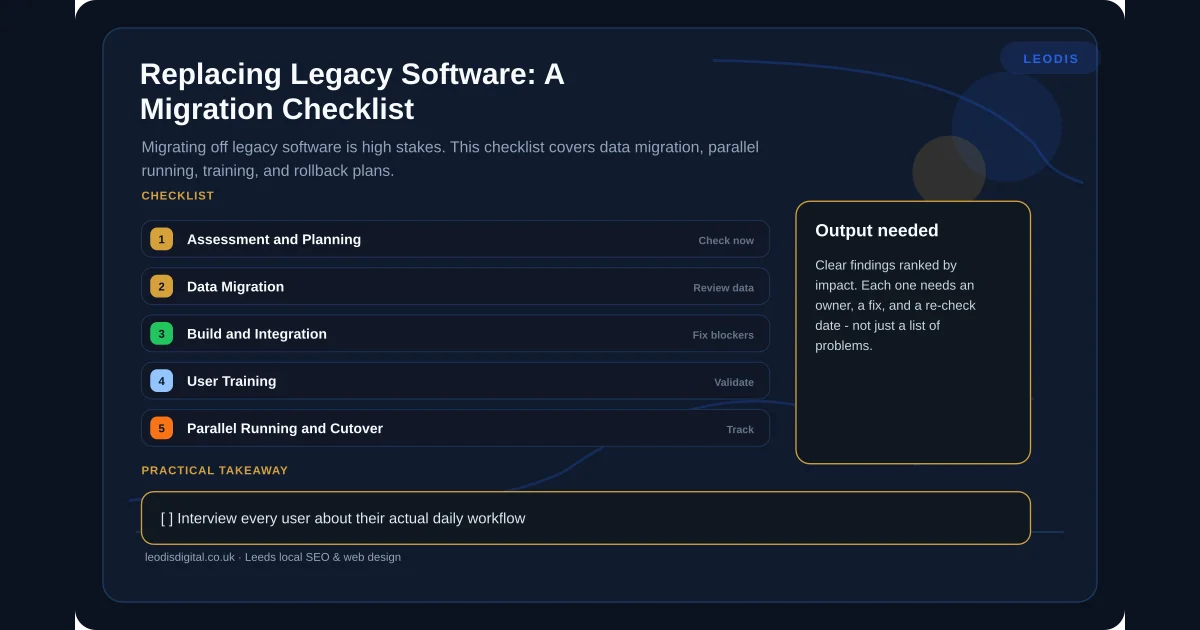
Phase 1: Assessment and Planning
Document What the Legacy System Actually Does
Not what the manual says — what it actually does today, including every workaround and undocumented feature your team relies on.
The danger is institutional knowledge. The office manager who knows dates must be entered in a specific format or the report breaks. The accountant who runs a particular export sequence every Friday. This knowledge lives in people's heads. If you do not capture it before building the replacement, you will build a system that handles documented workflows perfectly and fails on the undocumented ones your team depends on.
Checklist items:
- Interview every user about their actual daily workflow
- Document all workarounds and manual processes that supplement the system
- Identify all integrations — official and unofficial (including spreadsheet exports)
- Map all data flows into and out of the system
- List all reports generated and who uses them
- Identify compliance or regulatory requirements the system supports
Audit Your Data
Legacy databases are archaeological sites — layers of data accumulated over years, with varying quality and relevance.
Checklist items:
- Export a complete inventory of all data tables and fields
- Assess data quality: duplicates, missing values, inconsistent formats
- Identify which data is active and which is archival
- Determine data retention requirements (legal, regulatory, practical)
- Map relationships between data entities
Define Success Criteria
What does a successful migration look like? Be specific. "The new system works" is not a success criterion. "All active customer records are migrated with correct contact details, order history, and account status" is.
Checklist items:
- Define functional requirements for the new system
- Define data migration acceptance criteria
- Set performance benchmarks the new system must meet
- Identify critical workflows that must work from day one
- Define the acceptable downtime window for cutover
- Agree on rollback triggers — what conditions would cause you to revert
Phase 2: Data Migration
Data migration is where most software migrations go wrong. Not because the technology fails, but because the data is messier than anyone expected.
Clean Before You Migrate
Migrating dirty data into a clean system defeats the purpose. Someone with domain expertise needs to decide which duplicate records to merge, which historical data to archive, and which fields need standardising.
Checklist items:
- Deduplicate records using clear matching rules
- Standardise formats (dates, addresses, phone numbers, postcodes)
- Resolve conflicting data across tables
- Archive historical data not needed in the active system
- Validate mandatory fields — fill gaps where possible, flag where not
- Document every data transformation rule applied
Test Migration Repeatedly
Run the migration in a test environment. Compare results against the source data. Fix issues. Repeat until the output is clean.
Checklist items:
- Build a repeatable migration script — never rely on manual data migration
- Run test migrations against a copy of production data
- Validate migrated data against source: record counts, totals, spot checks
- Test edge cases: oldest records, largest records, records with special characters
- Have domain experts verify a sample of migrated records
- Document and resolve every discrepancy before production migration
Phase 3: Build and Integration
Build the New System
Whether you are implementing an off-the-shelf solution or building custom software, the build phase should produce a system that handles all the workflows identified in Phase 1 — including the undocumented ones.
Checklist items:
- Build against the documented requirements, including workarounds
- Implement all integrations with connected systems
- Replicate all critical reports in the new system
- Build audit logging from the start
- Implement role-based access controls matching current permissions
- Create automated tests for critical workflows
Integration Testing
The new system connects to your accounting software, email, website, and payment processor. Every integration needs testing with real data flows.
Checklist items:
- Test every integration with realistic data volumes
- Verify data flows correctly in both directions
- Test error handling — what happens when an integration fails
- Confirm automated processes trigger correctly
- Load test with expected peak volumes
Phase 4: User Training
The best software fails if the people using it are not prepared. Training is not optional, and it is not a single session the week before go-live.
Checklist items:
- Create role-specific training materials, not generic system overviews
- Run hands-on sessions where users complete their actual workflows
- Provide a sandbox environment for practice without risk
- Identify power users who can support colleagues post-launch
- Plan refresher training for four to six weeks after go-live
Phase 5: Parallel Running and Cutover
Run Both Systems in Parallel
Before switching off the legacy system, run both simultaneously. Staff complete work in both systems and you compare outputs. This catches discrepancies that testing missed and gives your team confidence before they depend on the new system entirely.
The duration depends on your business cycle — at least one full month for monthly cycles, at least two weeks for weekly ones. The parallel period is expensive, but it is dramatically cheaper than discovering a critical issue after the legacy system is switched off.
Checklist items:
- Define the parallel running period based on your business cycle
- Assign clear ownership for comparing outputs between systems
- Document every discrepancy and resolve before cutover
- Set a go/no-go decision point at the end of the parallel period
- Ensure all stakeholders agree on the cutover decision
Have a Rollback Plan
If the new system fails after cutover, you need to be able to revert to the legacy system. This means the legacy system stays available, the data from the parallel period can be recovered, and the rollback can be executed within your acceptable downtime window.
Checklist items:
- Keep the legacy system operational for a defined period after cutover
- Ensure data entered in the new system during post-cutover can be extracted
- Test the rollback procedure before you need it
- Define rollback triggers — specific conditions that would initiate a revert
- Communicate the rollback plan to all stakeholders
The Traps That Catch Most Businesses
Underestimating data cleanup. Every migration team is surprised by how messy the data is. Budget 30-40% more time for data work than you think you need.
Losing institutional knowledge. The workarounds and undocumented processes that make the legacy system work are often lost in migration. Capture them early and thoroughly.
Scope creep. A migration is not the time to add new features. Migrate first. Enhance later. Every new feature added during migration increases risk and delays completion.
Insufficient training. A two-hour training session is not enough. People learn software by using it, not by watching demonstrations. Hands-on practice in a safe environment is non-negotiable.
No rollback plan. The teams that do not plan for failure are the ones most likely to experience it catastrophically. Always have a way back.
Making the Move
Legacy software migration is one of the highest-stakes projects a business can undertake. But it is also one of the most rewarding — replacing a system that constrains your operations with one that supports them properly can transform how your team works.
The key is methodical planning, honest assessment of your data quality, and the discipline to test thoroughly before committing. If you are running a business-critical system that is approaching end of life, get in touch with Leodis Digital. We will assess your current setup, map the migration requirements, and give you an honest timeline and cost before any work begins.
Frequently Asked Questions
How long does a typical software migration take for a small business?
For a focused migration — replacing one core system — expect three to six months from planning to full cutover. The build itself might take eight to twelve weeks, but data migration, testing, user training, and parallel running add significant time. Rushing these stages is the single biggest cause of migration failures. Plan for the full timeline, not just the development phase.
Can I migrate from legacy software without losing any data?
You should not lose data, but you will need to clean and transform it. Legacy systems often contain duplicate records, inconsistent formats, and data that no longer serves a purpose. A good migration is an opportunity to clean your data — but that cleaning takes time and requires someone with domain knowledge to make decisions about what to keep, merge, or archive.
Should I migrate to off-the-shelf software or build custom?
It depends on why the legacy system is being replaced. If the problem is that the software is old but the workflow it supports is standard, a modern off-the-shelf tool is usually the right choice. If the problem is that no off-the-shelf tool fits your specific workflow — which is why you ended up with a custom legacy system in the first place — then a modern custom build is likely the better option.
What is the biggest risk in a software migration?
Underestimating data migration complexity. The build is predictable. The data is not. Legacy databases contain years of accumulated inconsistencies, edge cases, and undocumented business logic. Teams that allocate 20% of the project timeline to data migration routinely discover it needs 40%. Budget time and resources for data work specifically.
Found this useful? Share it.