Your Data Disagrees With Itself
If you run a business in the UK — or anywhere — you almost certainly have the same customer data stored in multiple places. Your CRM says one thing. Your accounting software says another. Your email marketing tool has an address from 2019. And somewhere there is a spreadsheet that nobody trusts but everybody uses.
This is the data consistency problem, and it is far more common than most business owners realise. In our NAP consistency guide for local SEO, we explained how inconsistent business name, address, and phone number data across online directories damages your search rankings. The same principle applies inside your business — but the consequences are different and often worse.
The Real Cost of Inconsistent Data
Most businesses tolerate data inconsistency because they have always lived with it. The cost is invisible until you add it up.
Staff Time Wasted on Manual Reconciliation
Every time someone has to check whether the CRM or the spreadsheet has the correct phone number, that is time burned. Across a team of five people, these micro-interruptions add up to hours per week. For a Leeds SME paying staff £25,000–£40,000 a year, even two hours per week of wasted time across the team costs thousands annually.
Errors That Reach Customers
Wrong addresses on invoices. Duplicate marketing emails. A quote built on outdated pricing. These errors damage trust, and for small businesses competing on service quality, trust is everything. One wrong invoice does not just cost you the time to fix it — it costs you credibility.
Decisions Based on Wrong Data
If your sales report pulls from one system and your finance report pulls from another, the numbers will not match. When leadership cannot trust the data, decisions get made on gut feeling instead. That is not a strategy — it is a gamble.
Compliance Risk
If you hold customer data under GDPR, you need to be able to find, update, and delete it on request. When data is scattered across disconnected systems with no single source of truth, responding to a subject access request becomes a nightmare.
Why This Happens
Data inconsistency is not a people problem. It is a systems problem.
Most businesses adopt tools one at a time. You start with a spreadsheet. Then you add accounting software. Then a CRM. Then an email marketing tool. Then a booking system. Each tool solves a real problem, but none of them were designed to talk to each other.
The result: staff become the integration layer. They manually re-enter data from one system into another. They copy and paste. They maintain spreadsheets that bridge the gaps. And every manual step introduces the possibility of error.
How Integrations Fix It
The fix is to connect your systems so data flows between them automatically. There are three broad approaches, and the right one depends on your setup.
1. Direct API Connections
Most modern business software exposes an API — a set of endpoints that allow other software to read and write data. A direct API integration connects two systems together so that changes in one are reflected in the other.
Best for: Connecting two or three systems with straightforward data flows. For example, syncing new contacts from your CRM to your email marketing platform, or pushing completed invoices from your project management tool to your accounting software.
Limitations: Each connection is point-to-point. If you have five systems, you could end up with ten or more separate integrations to maintain.
2. Middleware and Integration Platforms
Middleware sits in the middle and acts as a hub. Tools like Zapier, Make, and n8n handle simpler workflows. For more complex requirements, custom middleware built specifically for your business provides more control, better error handling, and proper data transformation.
Best for: Businesses with multiple systems that all need to stay in sync. Middleware centralises the logic, so you have one place to manage and monitor all your data flows.
Limitations: Off-the-shelf platforms like Zapier have usage limits and can become expensive at scale. Custom middleware requires upfront investment but pays off for complex setups.
3. Custom-Built Integrations
Sometimes the best approach is purpose-built integration code that handles your specific business logic. This is particularly relevant when your data needs transformation — not just moving from A to B, but being reformatted, validated, enriched, or split across multiple destinations.
Best for: Complex workflows, high data volumes, or scenarios where off-the-shelf tools cannot handle the business logic. Also the right choice when data accuracy is critical and you need proper error handling, logging, and retry mechanisms.
Real Examples From SMEs
The Trades Business With Three Systems
A UK-based trades company was managing jobs in a project tool, invoicing in accounting software, and tracking leads in a spreadsheet. Customer details were entered three times. When a phone number changed, it was updated in one system and forgotten in the others. We built a simple integration that made the project management tool the single source of truth, automatically pushing completed job data to the accounting system and syncing lead information both ways. Manual data entry dropped by around 70 percent.
The Professional Services Firm With a CRM Problem
A Yorkshire professional services firm had a CRM full of duplicate contacts because three different team members were adding the same people from different sources. We built deduplication logic and connected their CRM to their email marketing platform and their proposal tool. New enquiries from the website now flow into the CRM automatically, and proposals pull client data directly — no copy-paste, no duplicates.
The Retailer With Stock Across Locations
An independent retailer with two Leeds locations was managing stock in separate spreadsheets. Neither reflected online orders. We built an integration connecting their POS system, their simple online catalogue, and a central stock management dashboard. Staff in both shops now see accurate stock levels in real time. This mirrors the kind of challenge we discuss in our retail sector guide — independent shops need right-sized solutions, not enterprise software.
How to Identify Your Integration Priorities
You do not need to connect everything at once. Start with the biggest pain points.
Ask your team: Where do you re-enter data? Where do you cross-check between systems? What takes longest in your admin processes? The answers will point you to the integrations that save the most time.
Map your data flows: Draw a simple diagram showing which systems hold which data and how information moves between them. The manual steps — the arrows where a person is the connection — are your integration opportunities.
Prioritise by impact: Focus first on the integration that either saves the most staff time or eliminates the most costly errors. A single well-built integration often delivers enough value to fund the next one.
What Good Integration Looks Like
A well-built integration is invisible. Staff should not need to think about data syncing — it just happens. But behind the scenes, good integrations share certain qualities:
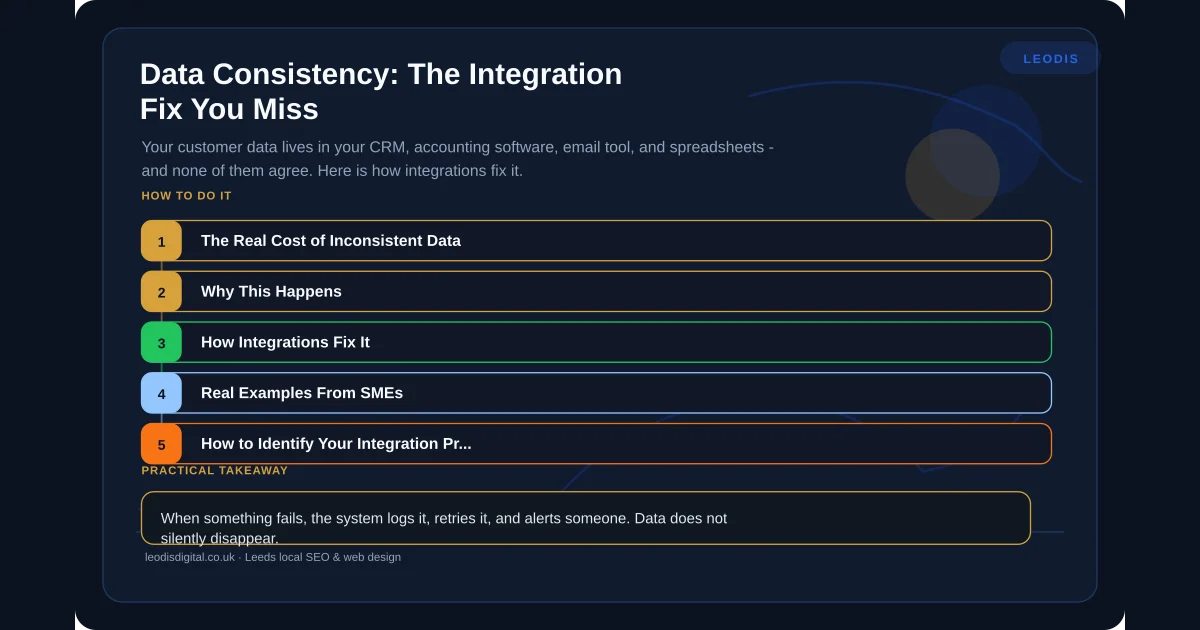
- Error handling: When something fails, the system logs it, retries it, and alerts someone. Data does not silently disappear.
- Monitoring: You can see what is syncing, what has failed, and what is queued.
- Idempotency: Running the same sync twice does not create duplicates.
- Documentation: Someone other than the person who built it can understand and maintain it.
These are the same principles of reliability and performance we apply to business app development. Whether it is an integration or an application, the standard is the same: it works, it is fast, and it does not break silently.
Getting Started
If your business runs on disconnected systems and your team is the glue holding the data together, integration is not a luxury — it is an operational fix that pays for itself.
The right starting point is a discovery conversation to understand your current setup, identify the highest-value connections, and scope a realistic solution.
We build custom integrations for UK businesses — connecting the tools you already use so your data agrees with itself.
Ready to stop your team being the integration layer? Get in touch and let us map out what connected systems would look like for your business.
Frequently Asked Questions
What is data consistency and why does it matter for my business?
Data consistency means the same piece of information — a customer name, an address, an order total — is identical across every system that holds it. When data is inconsistent, staff waste time cross-checking records, invoices go to wrong addresses, and marketing emails bounce. For most SMEs, fixing data consistency saves hours of manual work every week and eliminates costly errors.
How do API integrations keep business data in sync?
API integrations create direct connections between your systems so that when data changes in one place, it automatically updates everywhere else. For example, when a new customer is added to your CRM, an API integration can automatically create matching records in your accounting software and email marketing tool — no manual re-entry required.
What is the difference between middleware and direct API integration?
Direct API integration connects two systems together using their built-in interfaces. Middleware sits between multiple systems and acts as a central hub, translating data formats and managing the flow between all connected tools. Middleware is typically better when you have three or more systems that need to stay synchronised.
Can Leodis Digital integrate my existing business systems?
Yes. We build custom integrations for UK businesses connecting CRMs, accounting packages, email marketing tools, booking systems, and bespoke software. We start with a discovery process to map your current data flows and identify the most impactful connections. Get in touch at /contact to discuss your integration needs.
Found this useful? Share it.