Every business has processes that work on paper but fall apart in practice. The quote goes into a spreadsheet, the job details get emailed to the team, someone copies the information into another system, and three weeks later nobody can find the original specifications because they are buried in an email thread from a colleague who is now on holiday.
This is not a technology problem. It is an efficiency problem that technology can solve — but only if the technology is built around how your business actually operates.
Off-the-shelf software forces you to adapt your processes to fit its assumptions. Custom software does the opposite. It maps to your existing workflows, eliminates the gaps between them, and removes the manual steps that slow everything down.
Here is how that plays out in practice for UK businesses.
The Hidden Cost of Manual Processes
Before talking about solutions, let us put a number on the problem.
A business with 15 staff where each person spends 30 minutes per day on avoidable manual tasks — copying data between systems, chasing information, formatting reports, re-entering the same information in multiple places — is losing 37.5 hours per week. At an average cost of £20 per hour, that is £39,000 per year spent on work that a computer should be doing.
That figure is conservative. It does not include the errors that manual processes introduce, the delays caused by information sitting in someone's inbox, or the decisions made on outdated data because the real-time picture is not available.
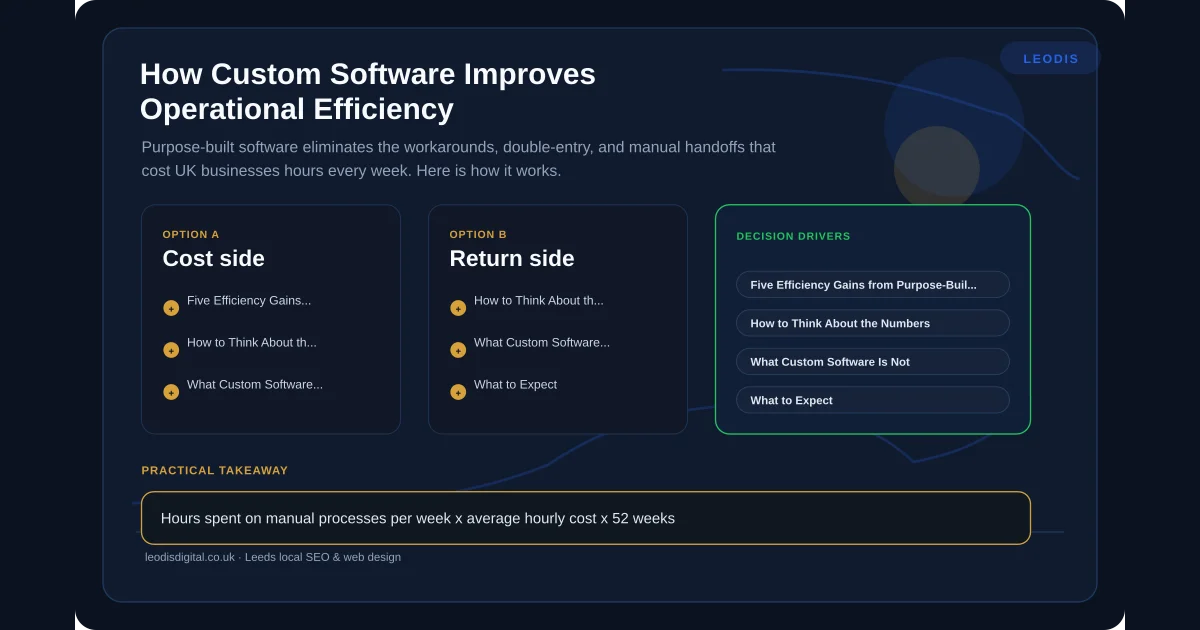
Five Efficiency Gains from Purpose-Built Software
1. Eliminating Double-Entry
This is the most common inefficiency we see in UK businesses. The same information gets typed into two, three, sometimes four different systems because those systems do not talk to each other.
Before: A letting agent receives a maintenance request by phone. The receptionist logs it in the property management system, then emails the details to the maintenance coordinator, who enters it into their scheduling tool, then texts the contractor. When the job is done, the contractor calls to confirm, and the process runs in reverse.
After: A single entry point — whether that is a web form, a phone note, or a message — triggers a workflow that updates every system automatically. The maintenance coordinator sees it in their schedule. The contractor gets a notification with all details. Completion updates flow back through the chain without anyone re-entering anything.
The time saving is significant, but the error reduction is arguably more valuable. Every manual re-entry is an opportunity for a mistake.
2. Automating Handoffs Between Teams
In most businesses, the handoff between teams is where work stalls. Sales closes a deal and sends an email to operations. Operations asks for clarification. Sales is busy with the next prospect. Three days pass. The customer wonders why nothing has happened.
Custom software makes handoffs automatic and visible. When a job moves from one stage to the next, the right people are notified with the right information. Nothing waits in an inbox. Nothing gets forgotten.
We covered the principles behind this in our complete guide to workflow automation. The technical approach varies, but the principle is consistent: remove the gap between "done by team A" and "started by team B."
3. Real-Time Visibility Into Operations
Most business owners we speak to in the UK cannot answer basic operational questions without asking someone or digging through spreadsheets. How many jobs are in progress? What is the average time from quote to completion? Which team member has capacity this week?
This information exists in the business — it is just scattered across systems, spreadsheets, email threads, and people's heads.
A custom dashboard that pulls data from your actual operational systems gives you real-time answers to the questions that matter. Not vanity metrics, not generic KPIs — the specific numbers that drive decisions in your business.
For more on what a useful dashboard looks like, see our guide on internal dashboards for UK businesses.
4. Standardising Without Stifling
One of the tensions in any growing business is the need for consistency without killing the flexibility that made the business successful. Custom software handles this well because it can enforce standards where they matter — data capture, compliance steps, quality checks — while leaving room for judgement and adaptation where they do not.
Before: Each project manager at a construction firm tracks progress their own way. One uses a spreadsheet, another uses a notebook, a third uses a notes app. When the director asks for a progress report across all projects, it takes two days to compile.
After: A simple project tracking tool captures the same core data from every project manager — stage, completion percentage, issues, next actions — while letting each manager work in whatever way suits them day to day. The director gets a real-time overview without asking anyone for anything.
5. Connecting Existing Systems
Many businesses do not need to replace their existing tools. They need those tools to work together. Your accounting software, your CRM, your scheduling tool, your email platform — each does its job, but they operate in isolation.
Custom integration work connects these systems so that data flows between them automatically. A new customer in the CRM creates an account in the billing system. A completed job triggers an invoice. A payment received updates the project status.
This is not about building everything from scratch. It is about building the connective tissue between the tools you already use and trust. For a deeper look at when custom software is the right call versus adapting existing tools, see our custom software versus off-the-shelf comparison.
ROI: How to Think About the Numbers
Custom software is an investment, and it should be evaluated as one. Here is a straightforward framework:
Calculate the current cost:
- Hours spent on manual processes per week x average hourly cost x 52 weeks
- Cost of errors (rework, customer complaints, missed deadlines)
- Revenue lost to slow response times or missed opportunities
Compare to the investment:
- Build cost (one-off or phased)
- Ongoing maintenance and hosting
- Training time for staff
For most of the efficiency-focused tools we build, the payback period is six to twelve months. After that, the savings are pure margin improvement.
A Leeds trade business we worked with was spending roughly eight hours per week on job scheduling, quote follow-ups, and invoicing — all done manually across spreadsheets and email. A purpose-built tool reduced that to under two hours. The annual saving was over £15,000 in staff time alone, against a build cost that was a fraction of that.
What Custom Software Is Not
Let us be direct about the limitations:
It is not a magic fix for broken processes. If your process is fundamentally flawed, automating it just produces bad results faster. We always start by understanding the process and, where needed, suggesting improvements before building anything.
It is not always the right answer. Sometimes an off-the-shelf tool does the job perfectly well. We covered this honestly in our comparison guide, and we will tell you if a £30-per-month SaaS product solves your problem better than a custom build.
It is not "set and forget." Software needs maintenance, updates, and occasional refinement as your business evolves. We build with this in mind — clean architecture, clear documentation, and ongoing support options.
The Build Process: What to Expect
If you have not commissioned custom software before, here is how we approach it:
Discovery (1-2 weeks): We map your current processes, identify the pain points, and define what "better" looks like in measurable terms.
Design (1-2 weeks): We design the solution — screens, workflows, integrations — and walk you through it before writing any code. Changes at this stage are cheap; changes after build are expensive.
Build (3-6 weeks): We build in short cycles, showing you working software regularly so you can provide feedback throughout, not just at the end.
Launch and refine: We deploy, train your team, and support the transition. The first few weeks after launch always surface refinements, and we expect that.
Making the Decision
If your business has processes that rely on manual data entry between systems, if your team spends time chasing information that should be instantly available, or if you cannot see the real-time state of your operations without asking someone — custom software will improve your efficiency.
The question is not whether it would help. The question is whether the improvement justifies the investment. For most UK businesses with ten or more staff, the answer is clearly yes.
If you want to explore what a purpose-built tool could do for your operations, get in touch. We will map your processes, identify the biggest efficiency gains, and give you an honest assessment of whether a custom build is worth it for your specific situation.
Frequently Asked Questions
How long does it take to build custom software for a small business?
It depends on scope, but many of the efficiency-improving tools we build for UK businesses take four to eight weeks from initial brief to working software. A simple internal dashboard or automation workflow can be faster. We scope every project honestly and give you a realistic timeline before any work begins.
Is custom software only for large companies?
No. Some of the biggest efficiency gains come from small, focused tools built for businesses with five to thirty staff. A team of ten people each losing thirty minutes a day to manual processes is losing over twenty hours a week. A targeted custom tool can eliminate that waste at a cost that pays for itself within months.
What if our processes change after the software is built?
That is one of the key advantages of custom software — it can be modified to match how your business actually works. Off-the-shelf tools force you to change your process to fit the software. Custom software adapts to you, and good architecture makes future changes straightforward rather than expensive.
How do we measure the ROI of custom software?
Start with time. Map how long each manual process takes now, multiply by frequency and staff cost, and that gives you the annual cost of the current approach. Compare that to the build cost plus ongoing maintenance of a custom solution. Most of the tools we build for UK businesses pay for themselves within six to twelve months.
Found this useful? Share it.